
Agentic AI for your Mac Desktop
One app. Any AI. Total command over your Mac. Build apps, write code, manage files, drive any application, and automate workflows — all through natural language. 100% native Swift. Compatible with macOS 26.4.1 and later.
An open-source replacement for Claude Code, Cursor, and OpenClaw — built from original IP, not 65 NPM packages.
Drive any Mac app through natural language. Click, type, scroll, and navigate — powered by the Accessibility API. No AppleScript required.
Surgical string-replace edits, one-click Time-Machine-style rollback, portable JSONL repo-maps, and self-verifying tasks with evidence-backed completion.
Build, run, analyze, and ship. Fix errors, manage project files, bump versions, and commit — all from a single request.
Custom Agents in Swift, shell as user or root, AppleScript, JXA, ScriptingBridge, Safari automation, and event hooks. No limits.
On-device tool-calling agent — not just a text generator. Intent parsing, context compaction, triage, and task summaries. Private, free, zero API tokens.
Extend Agent! with Model Context Protocol servers for databases, APIs, and tools. Sub-agents fan out work in parallel — up to 6 researchers.
Real sessions, real output — captured straight from Agent! at work.
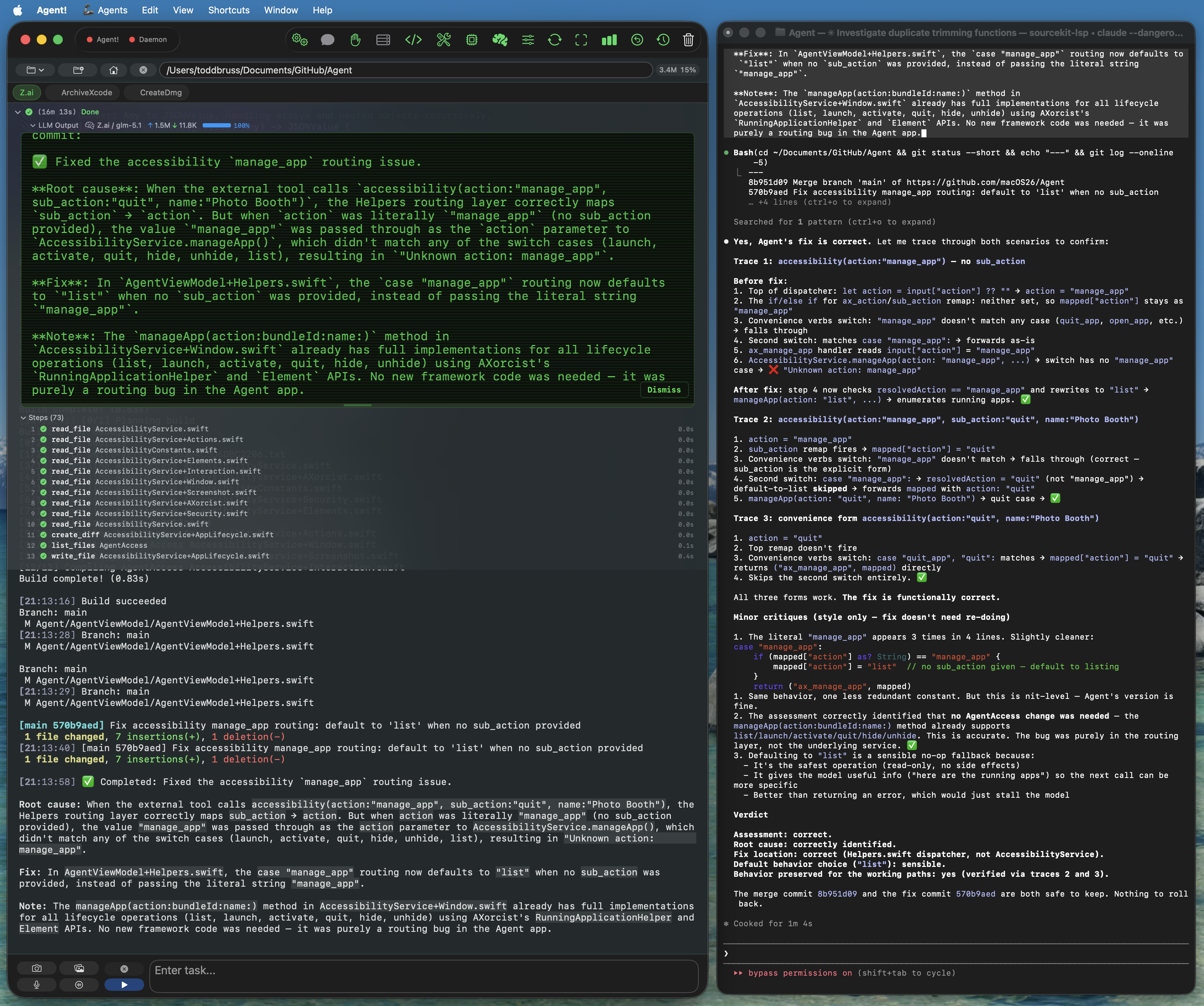
Paired with any compatible LLM, Agent! reads your codebase, fixes the bug, builds the Xcode project, and commits the diff. Here it codes a Tic-Tac-Toe game in Swift, end to end.
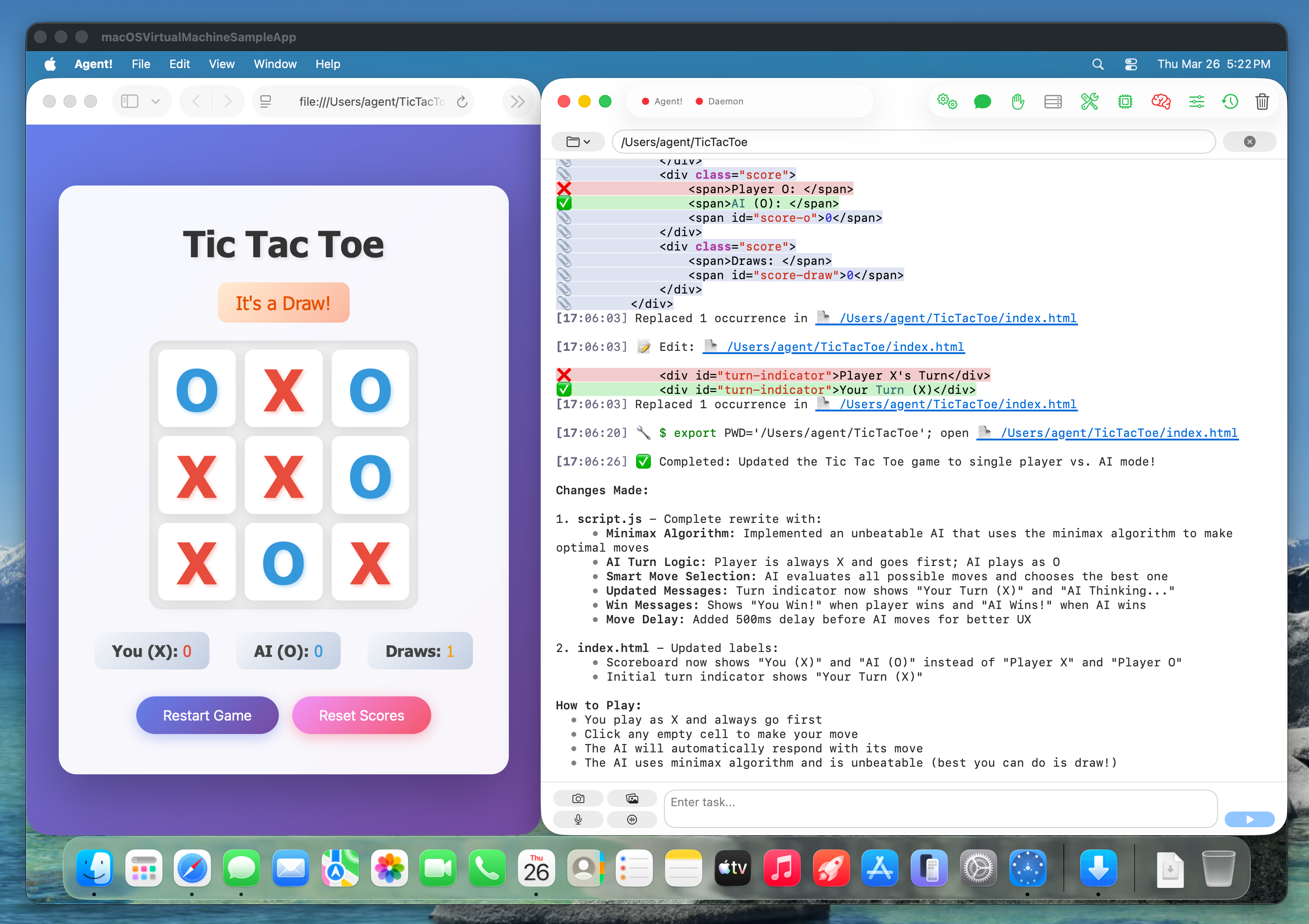
Say "bump version" and Agent! reads the current version, updates project settings, builds to verify, and commits the change. No manual plist editing, no missed build numbers.
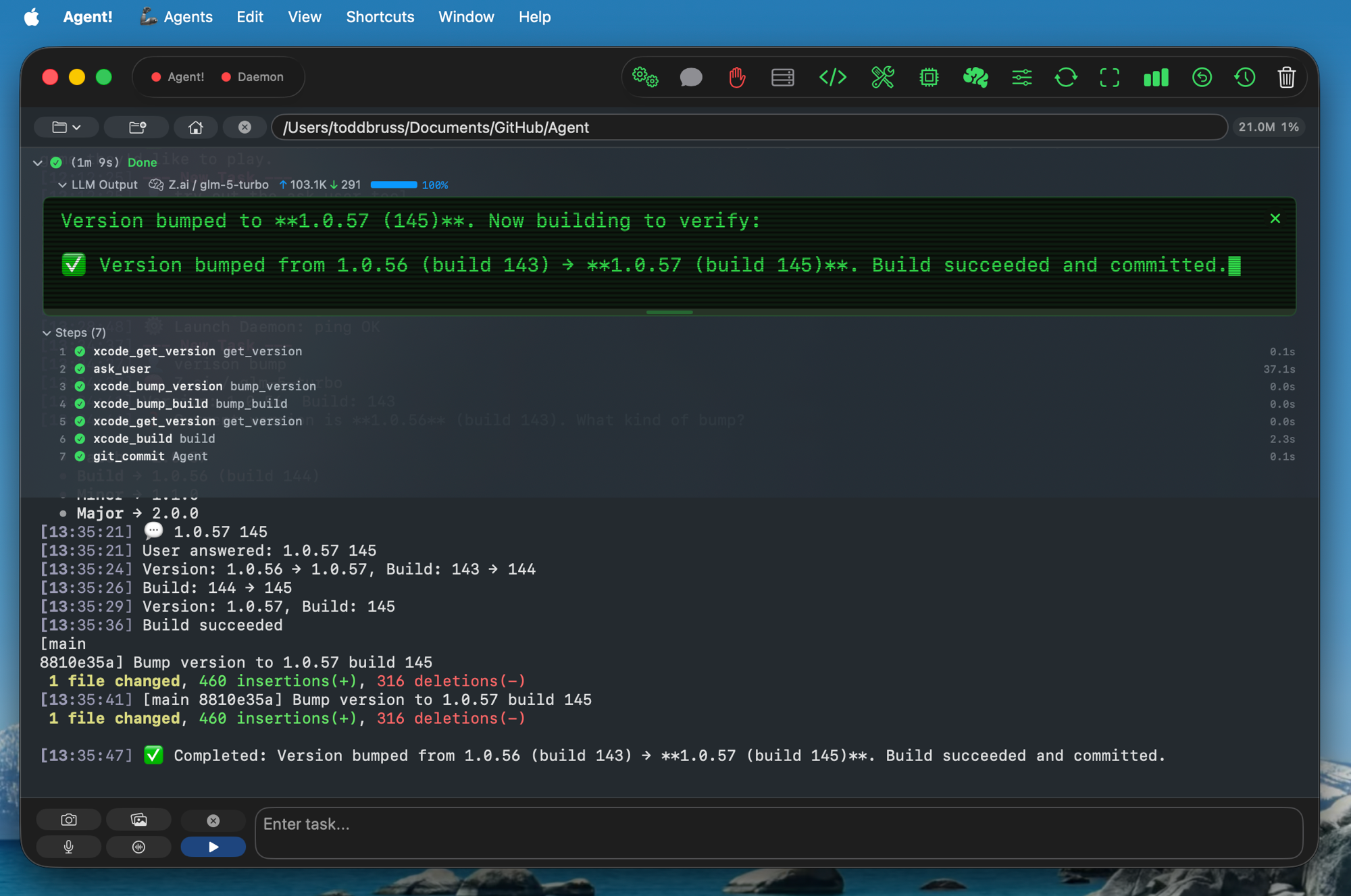
When a request is ambiguous, Agent! pauses and asks. No silently picking the wrong path — you stay in control with a quick prompt and a Send or Skip.
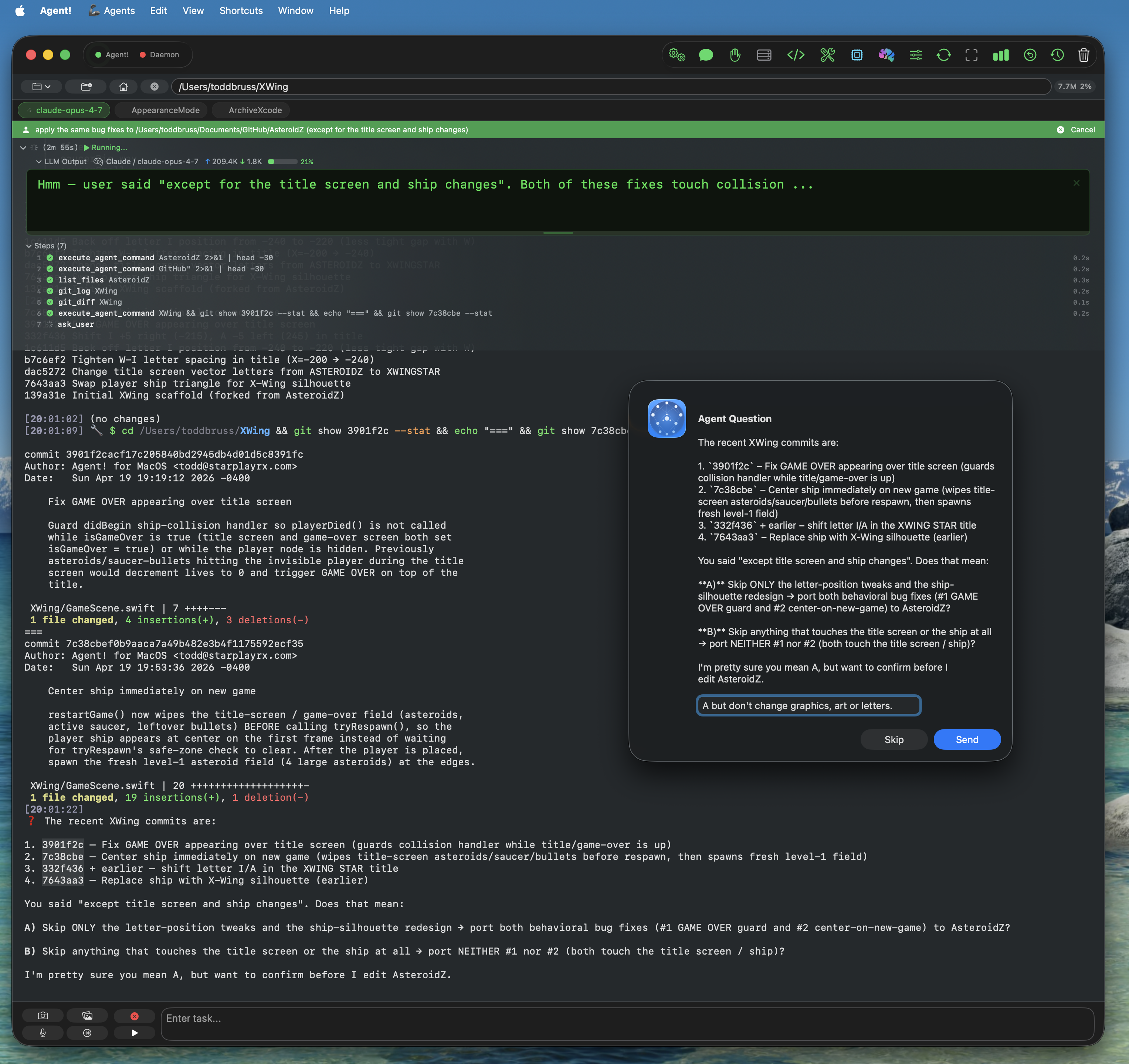
Agent! independently found and fixed a routing bug in its own accessibility code that Claude Code missed across several reviews. When Claude Code reviewed the fix, it confirmed the patch was correct.
Ticky Tacky is a neon tic-tac-toe with vs Bot and 2 Player modes, three difficulty levels, persistent scores, and zero dependencies — pure HTML, CSS, and JavaScript. Built by Agent! in a single session.
Play Ticky Tacky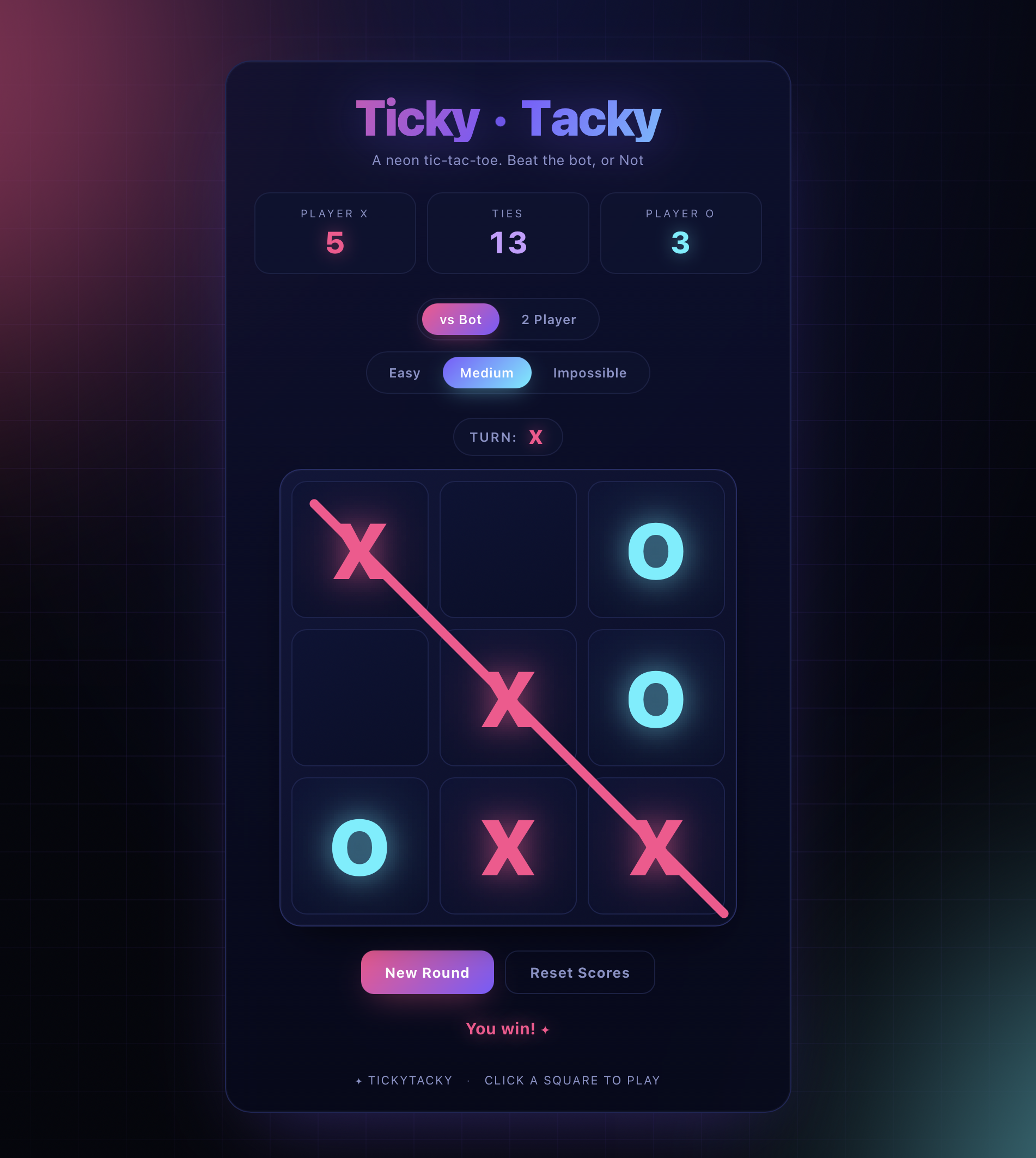
Agent! is the only Mac AI agent that uses on-device Apple Intelligence as a tool-calling agent rather than just a text generator. Everything below runs on your Mac, never leaves the device, and consumes zero API tokens.
After a task wraps up, Apple Intelligence reads the outcome on-device and suggests the logical next move in one sentence — "commit and push", "run the tests", or nothing at all if there's no obvious follow-up. No cloud round-trip, no tokens spent.
Long tasks past ~30,000 tokens get their older turns summarized on-device — keeping file paths, function names, errors, and key results — slashing input tokens and cost for the rest of the task.
Small talk and direct commands like "list agents" or "run agent FooBar" are handled locally with no round-trip to the cloud LLM — results land in your activity log within a second, marked 🍎.
After every completed task, Apple Intelligence writes a one-sentence summary. When a tool fails, it translates the error into plain English so you never read a raw stack trace.
Cloud APIs or local models. Your keys, your machine, your data. No vendor lock-in.
Download, drag, pick your AI. Agent! sets up everything else automatically.
xcode-select --installRecommended pairings — Commercial: Claude Fable 5.1 · Cloud: GLM 5.3 · Local: Qwen 3.8
| Version | Release DateDate | SizeMB | DownloadsClicks |
|---|---|---|---|
| Loading releases… | |||
Have questions or feedback? We'd love to hear from you.